> For the complete documentation index, see [llms.txt](https://docs.keyfax.biz/llms.txt). Markdown versions of documentation pages are available by appending `.md` to page URLs; this page is available as [Markdown](https://docs.keyfax.biz/product-suite/keynamics/advanced/customising-launch-button.md).
# Customising Launch Button
The appearance and caption in the Keyfax launch button can easily be modified by making changes to a CSS web resource. This CSS snippet is an *unmanaged* component, meaning that you can customize it.
Using Power Apps, locate the KeyNamics Solution and within it, the **Keyfax CSS** component:
Clicking the item will display this pane:
Click '**Text Editor**' to see the CSS snippet:
Make changes as appropriate (maybe save a copy before making any changes, just in case!)\
\
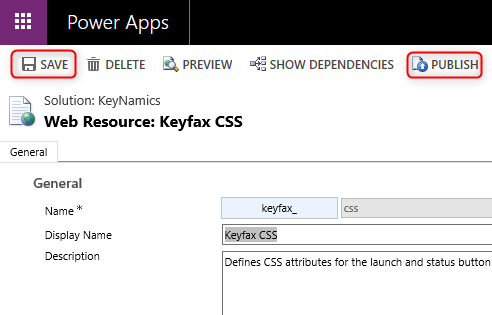
Click **OK** then **Save** and **Publish**: