> For the complete documentation index, see [llms.txt](https://docs.keyfax.biz/llms.txt). Markdown versions of documentation pages are available by appending `.md` to page URLs; this page is available as [Markdown](https://docs.keyfax.biz/product-suite/admin/entities/tasks/continuations.md).
# Continuations
Adding them to a Task
Typically, with a letter, you may wish to include Continuations. For example, after diagnosing Damp, you may wish to send an advisory letter which includes a leaflet describing condensation and how to prevent or deal with it:
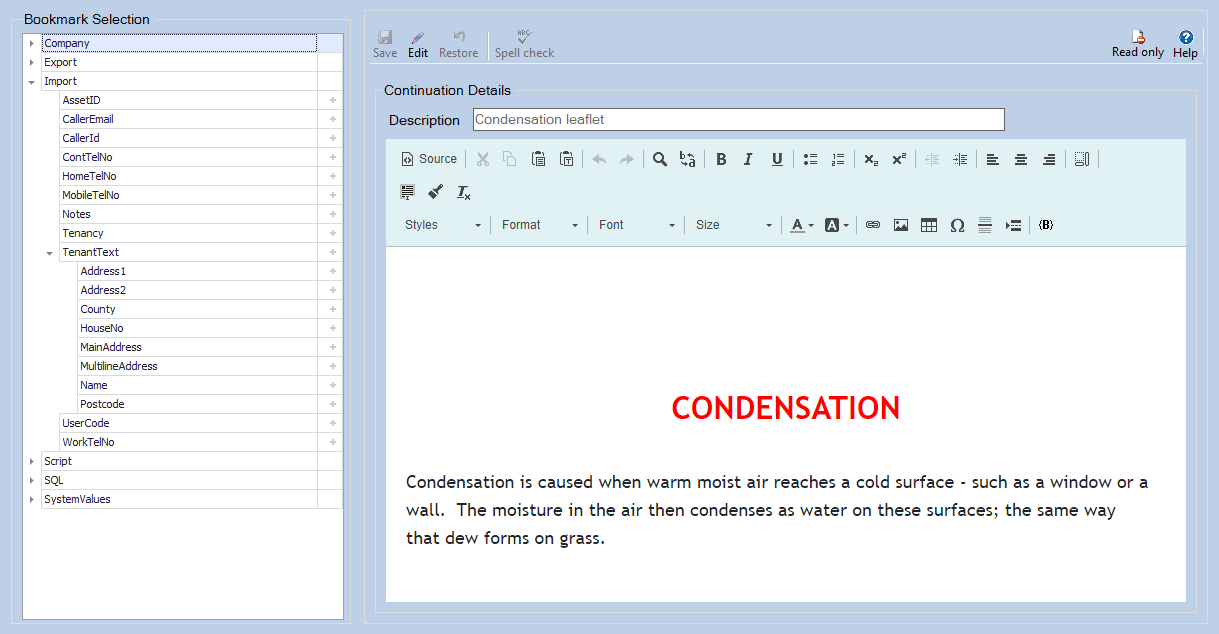
When you click to '**Add item**' and select '**Continuation**' a tab with an HTML editor will be displayed where you can enter text as appropriate. Shown below is an existing Continuation being edited. Alongside is the **Bookmark Selection** menu where you can drag and drop onto the text area (alternatively, position the cursor then click the '**+**'):